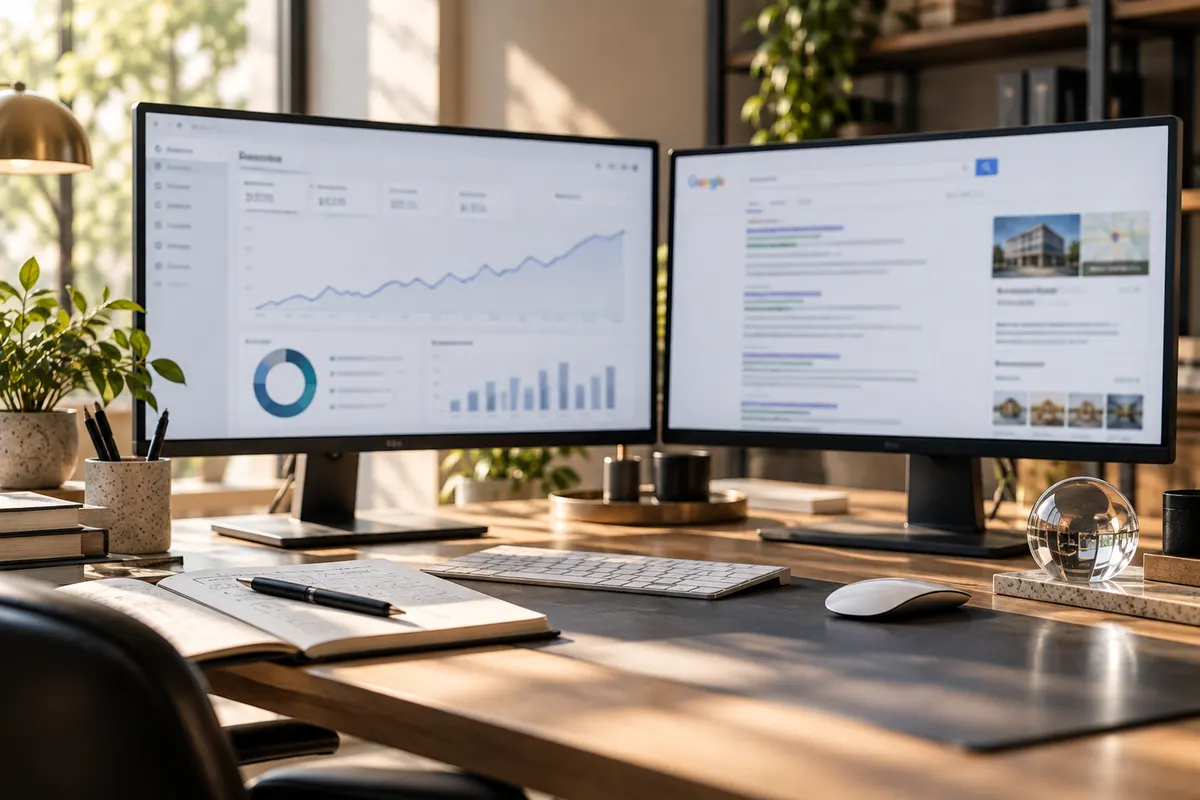
When people search “near me”, Google shows a map before any website. A well set-up Google Business Profile puts you on it. Here is what to check.
When someone in Dubai, Abu Dhabi or Sharjah searches for a service “near me”, Google usually shows a map with three businesses before any website. Those three come from Google Business Profile. Setting yours up properly is one of the simplest ways to get more calls and visits.
The checklist
- Claim and verify your profile, so you control what it says.
- Use your real business name — the one on your sign and trade licence. Do not add extra keywords.
- Pick the most accurate main category, then add a few secondary ones.
- Make sure your address, phone and opening hours match your website exactly.
- Add real photos: your shop front, your team and your work. Update them now and then.
- Ask happy customers for reviews, and reply to every review — good or bad — politely.
- Post updates and offers from time to time so the profile looks active.
Connect it to your website
Your profile and your website should support each other. Link to the right page from the profile, and make sure the website itself is fast on a phone and clearly says which areas you serve. Google trusts businesses whose details are the same everywhere.
Give it time
Local results do not change overnight. Keep the details correct, keep collecting reviews, and check your profile’s insights each month to see how people find you.
See our SEO & digital marketing service